03
Log a race and share your tag
Every HYROX you finish earns its own collectible finisher tag.
0:54
Real recording of the app. The steps are below.
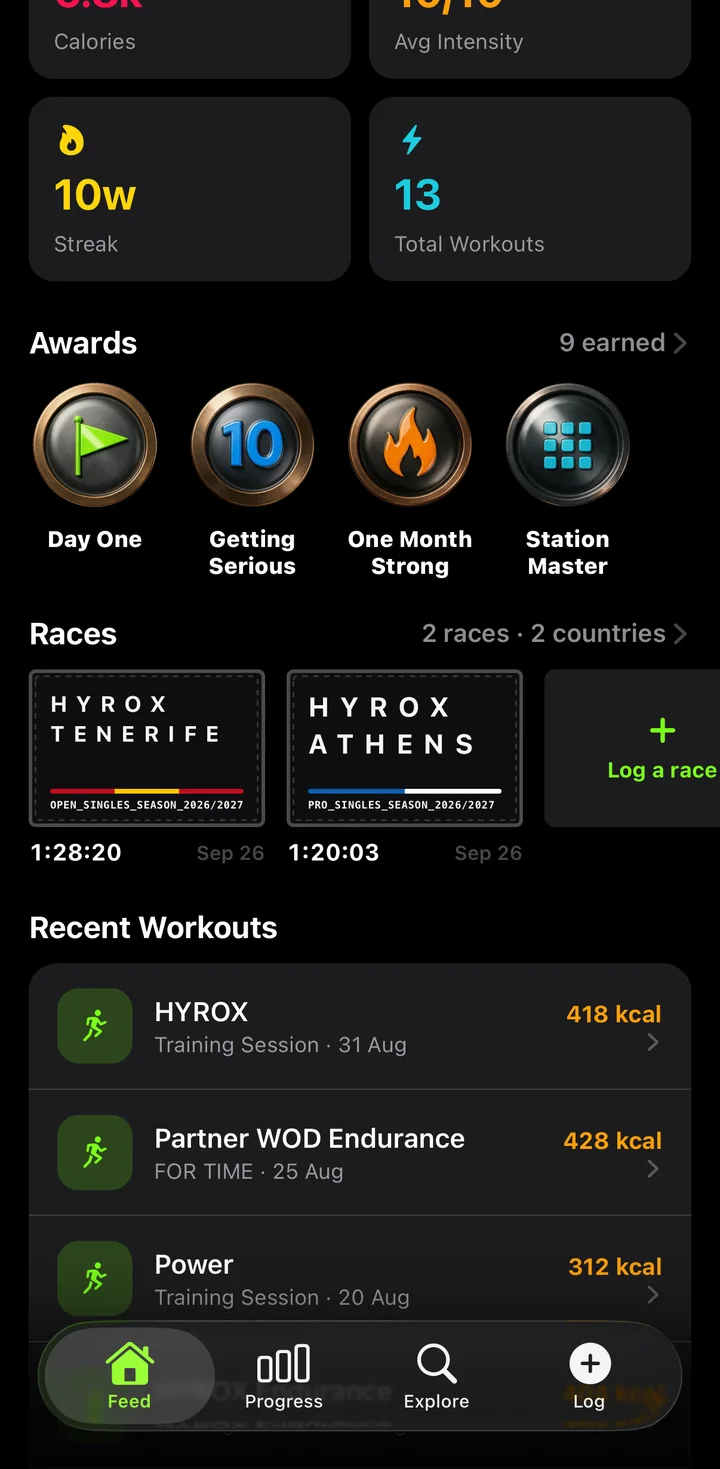
1Go to Races
Open your profile, scroll to Races and tap Log a race.
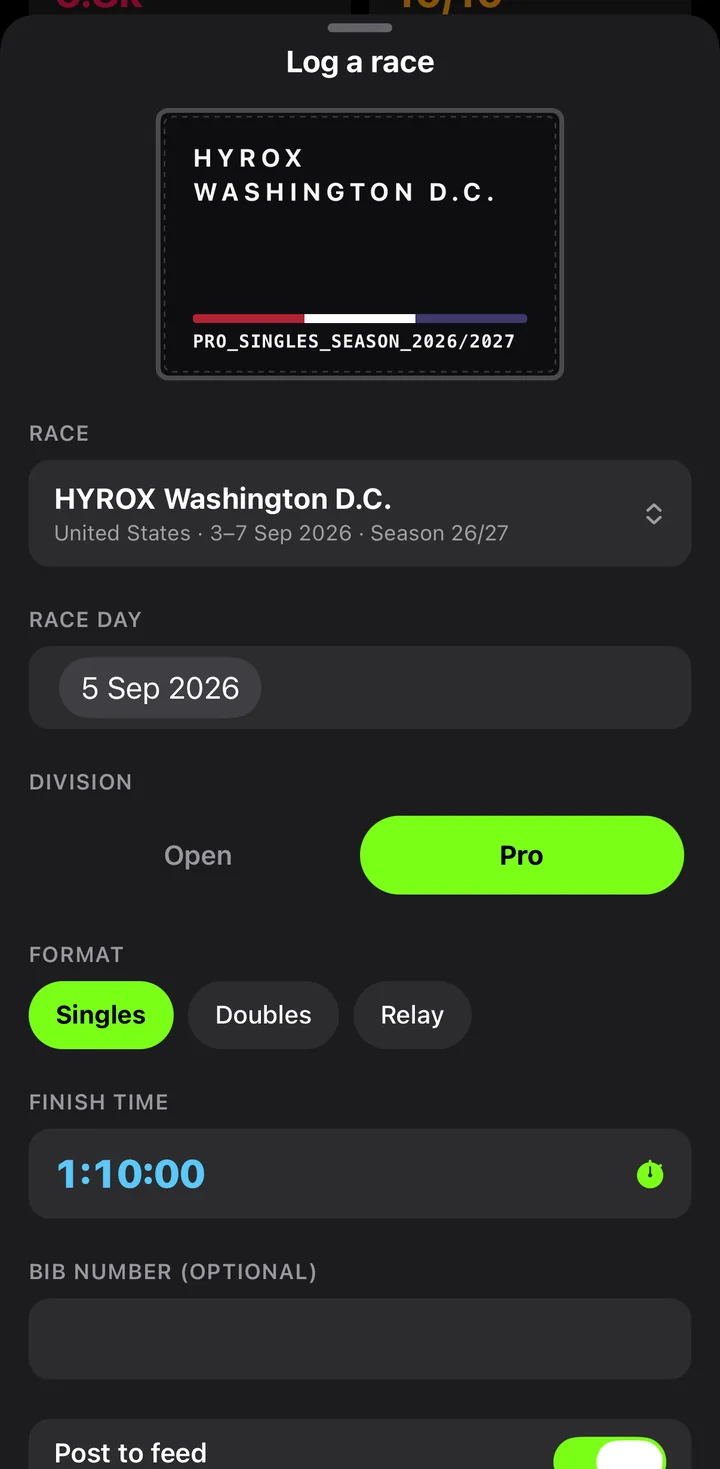
2Fill in your result
Choose the event, then set your division, format and finish time. Keep Post to feed on to share it with your followers.
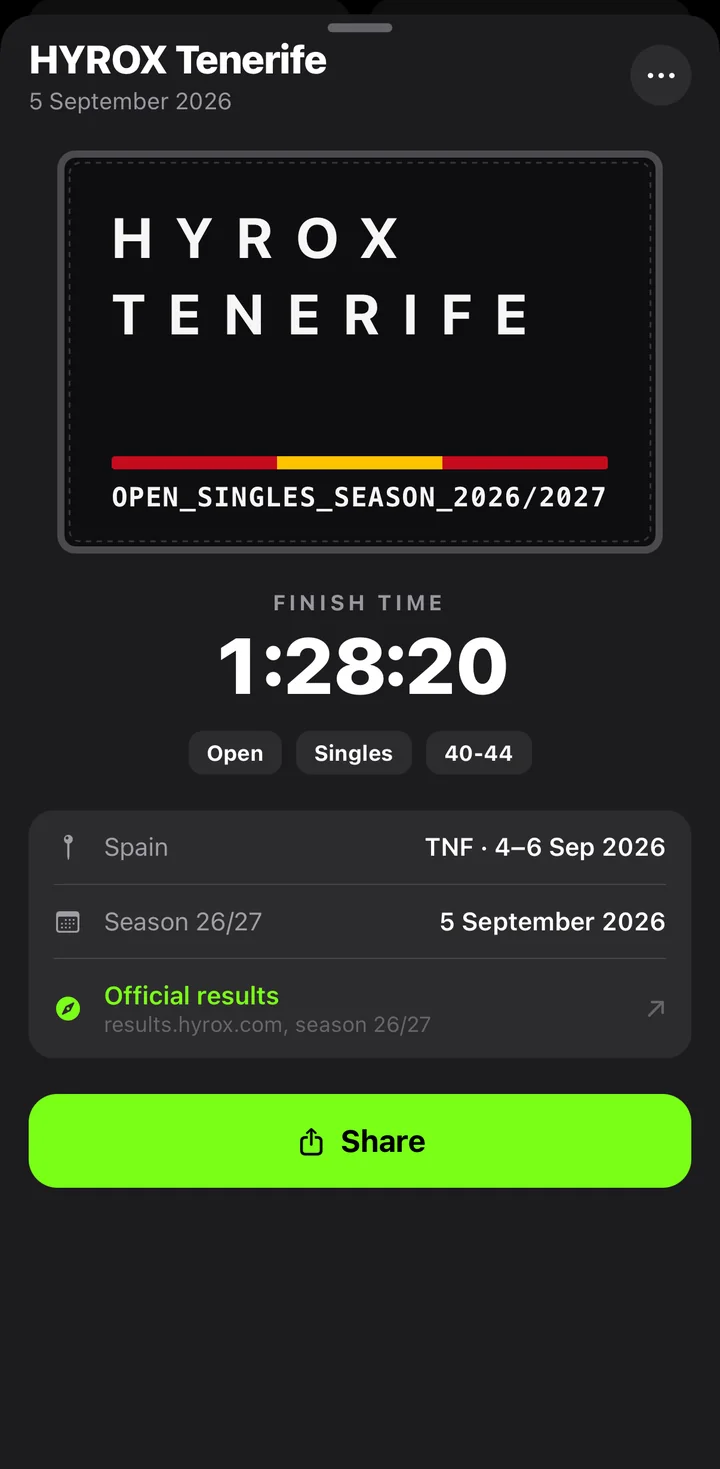
3Collect your tag
Your race gets a finisher tag in the style of the official patch, with its own page and a link to the official results.
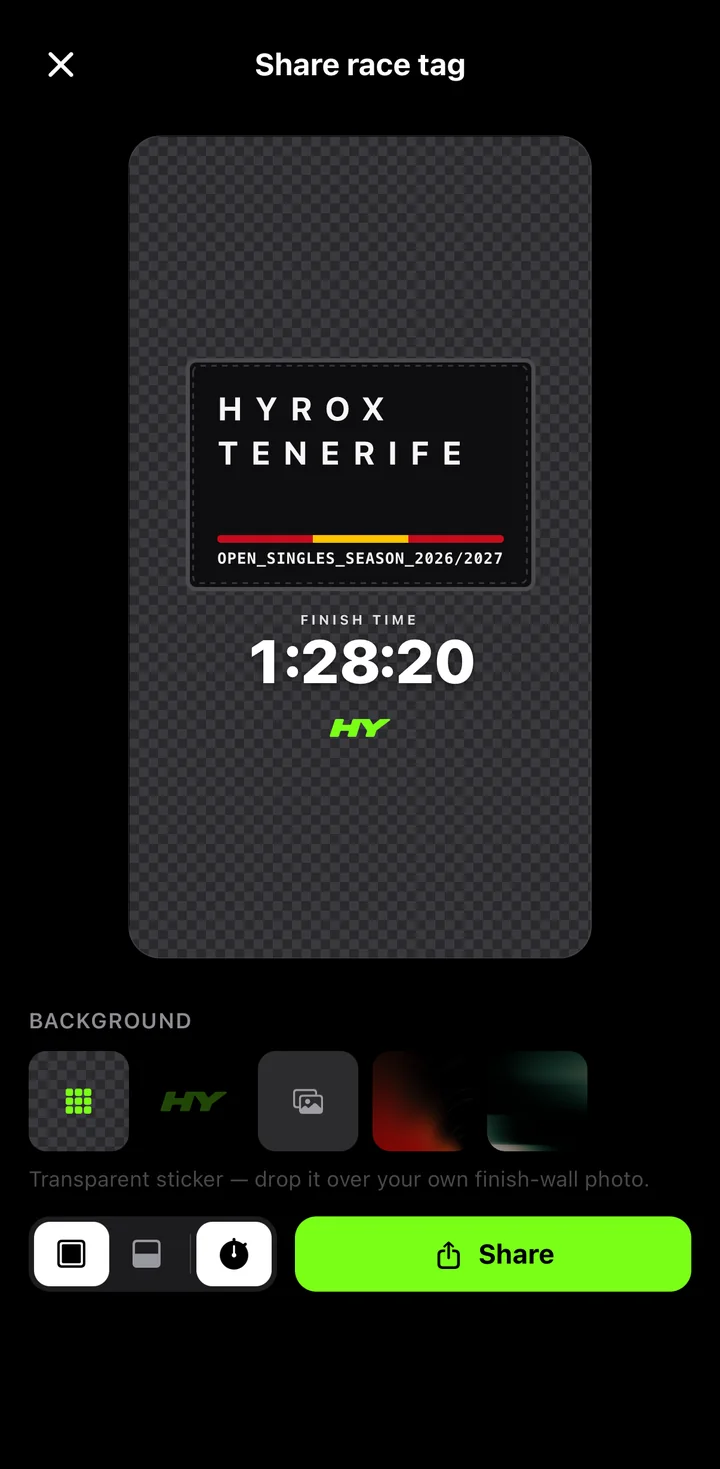
4Share the tag
Tap Share to export it as a transparent sticker for your finish-wall photo, or as a full story card.